
Stop letting duplicate photos
eat your storage.
Roomier finds duplicate photos, near-duplicates, screenshots, blurry shots, and oversized videos — then lets you swipe to clean them up in seconds. Everything happens on your device.


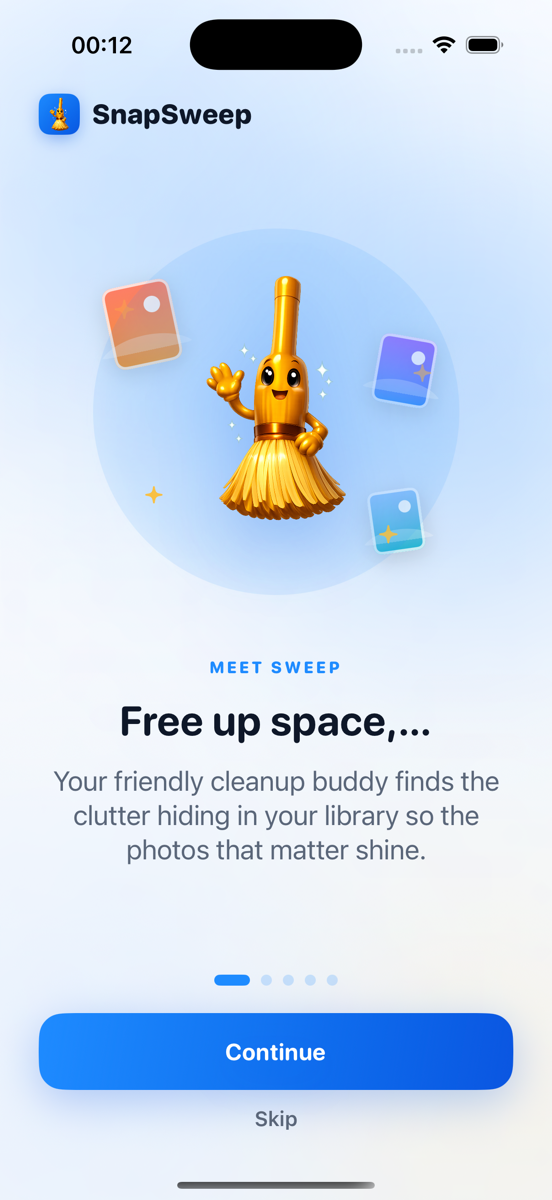
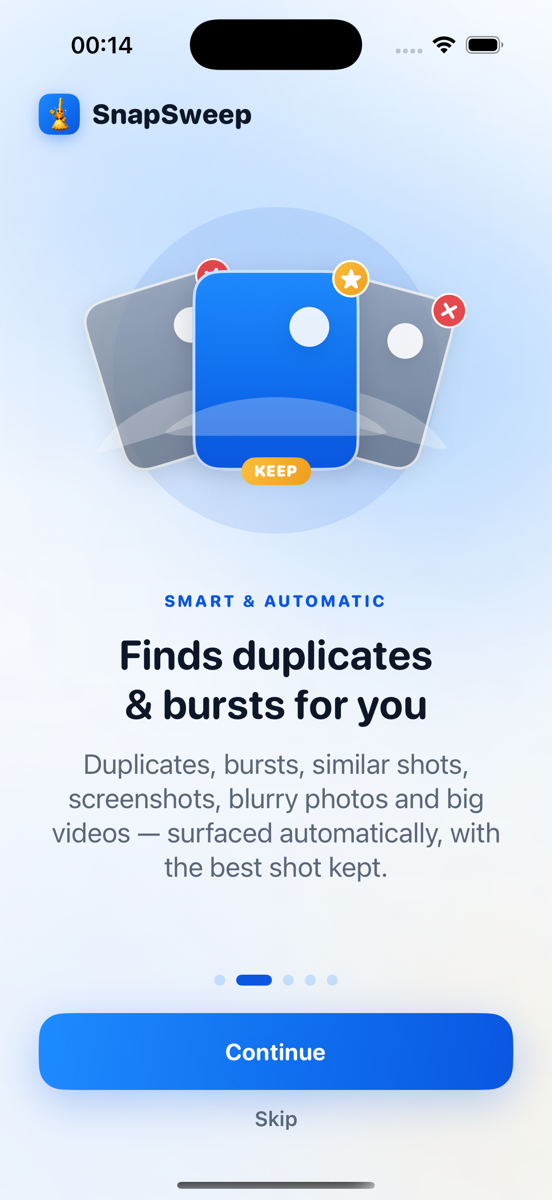
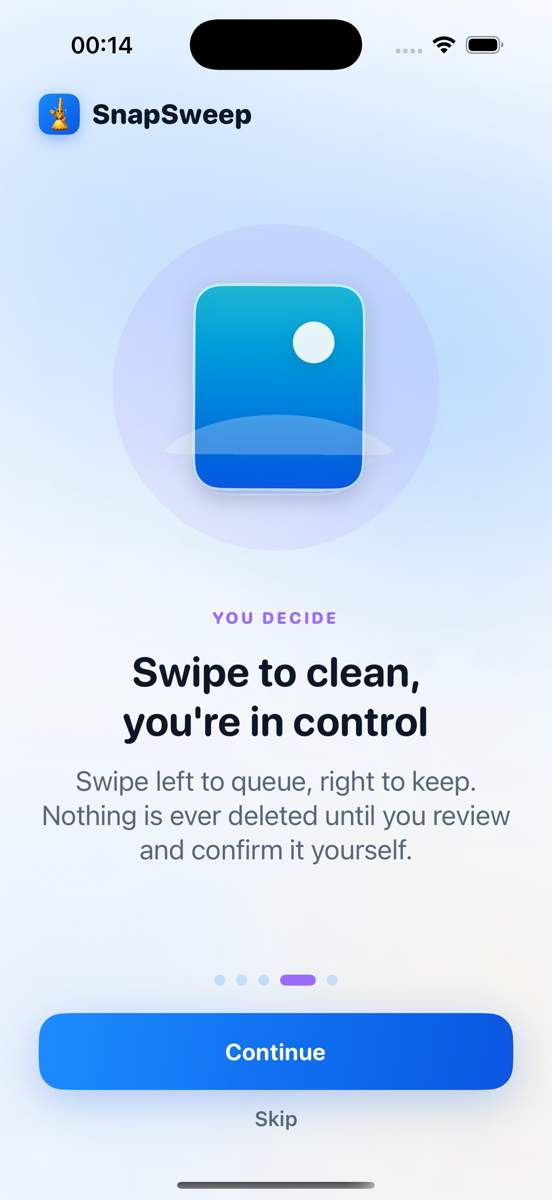
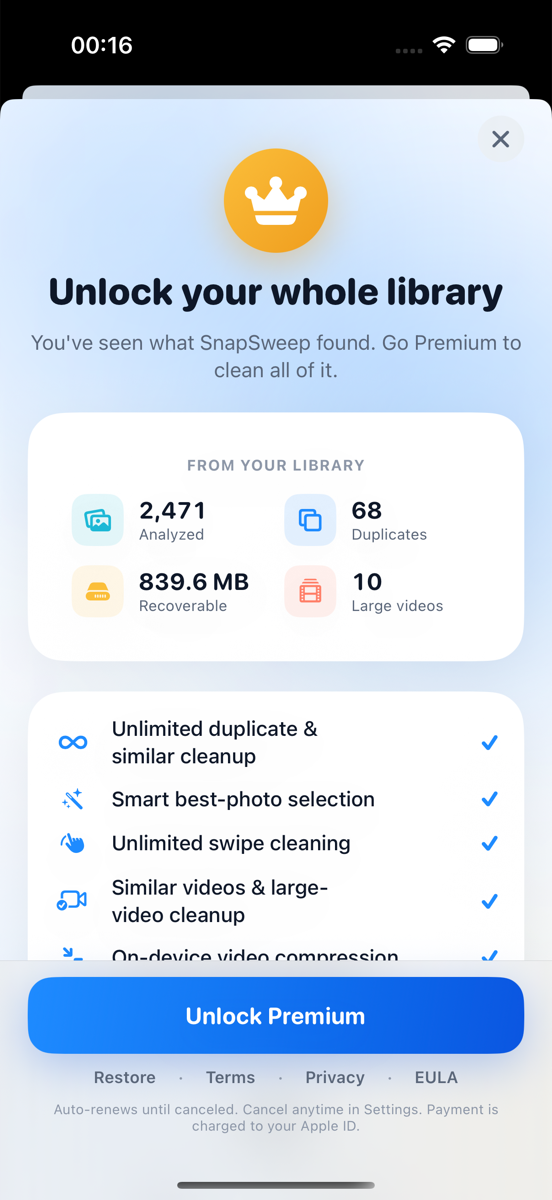
Scan. Swipe. Free up space.
Every screen earns its spot — no bloat, no guesswork.
Features
Powerful features
Swipe right to keep, left to clean up.
Roomier surfaces exact duplicates, similar shots, bursts, screenshots, blurry photos, and big videos automatically — you just swipe through and confirm.
Shrink big videos, keep the memory.
Pick a compression level and Roomier re-encodes your largest videos in place, showing exactly how much space you'll get back before you commit.
See exactly what's using your space.
A full storage breakdown by category — duplicates, screenshots, videos — so you know where every gigabyte went before you clean anything.
Inside the app
The whole experience, screen by screen
Your storage, at a glance
One dashboard shows how much space you can recover right now, broken down by duplicates, screenshots, blurry photos, and large videos.
Scan in the background
Open the app and scanning starts immediately — no setup, no waiting. Everything runs locally on your device.
Compress, don't just delete
Large videos get a smaller re-encoded copy instead of an all-or-nothing delete, so you keep the memory and reclaim the space.
Every cleanup, tracked
See your lifetime storage recovered and a history of every cleaning session — proof of exactly how much clutter you've cleared.
Features
What's in the app
Exact duplicates
Finds identical copies sitting in your library and keeps only the original — no more paying for storage you don't need.
Similar photos & bursts
Groups near-duplicate shots and burst sequences, recommends the best one, and clears the rest with a single swipe.
Screenshots & blurry shots
Rounds up old screenshots, receipts, memes, and out-of-focus photos you were never going to look at again.
Video compression
Shrinks large videos without a visible quality hit, so you can keep the memory and lose the megabytes.
Swipe to clean
Review every suggestion swipe by swipe. Nothing is ever deleted until you confirm it — and it's recoverable for 30 days after.
100% on-device
Every scan runs locally using Apple/Android's own frameworks. Your photos are never uploaded anywhere — Roomier has no servers that see them.
Pricing
Start free. Upgrade when it sticks.
Free
No account, no trial clock — just install and scan.
Premium
Choose monthly, annual, or a one-time lifetime unlock — see current pricing in the app. Cancel subscriptions any time from your App Store or Play Store account.
Guides
Storage answers, not sales pitches
Practical, honest guides to duplicate photos, full phone storage, screenshot clutter, and oversized videos — built-in tools first, always.
Phone Storage
Why Is My Phone Storage Full? A Breakdown by Category
Phone storage fills up mainly from photos/videos, app caches, and system files. Learn where each category hides and how to check the real breakdown.
Phone Storage
What Is Other Storage on iPhone? (And System Data)
Other/System storage on iPhone holds caches, logs, and temp files outside Photos and Apps. Learn what it contains, when it shrinks, and how to reduce it safely.
Duplicate & Similar Photos
What Happens When You Merge Duplicates on iPhone
Merging duplicates keeps the highest-quality photo, combines metadata, and moves extra copies to Recently Deleted for 30 days—nothing is lost immediately.
Screenshots & Blurry Photos
Should I Delete Screenshots? What to Keep or Toss
Yes, most screenshots are safe to delete after you act on them. Learn what to keep, where iOS/Android store screenshots, and a fast review workflow.
Video Compression
Should You Delete Old Videos or Compress Them?
Delete videos you'll never rewatch; compress ones you want to keep. HEVC compression halves file size but is always lossy—here's how to decide and back up first.
Screenshots & Blurry Photos
Should I Delete Blurry Photos? How to Find Them Fast
Delete blurry photos that are true mistakes—review each one first, since burst shots and shaky frames rarely deserve all 10 copies at 2-5 MB each.
FAQ
Frequently Asked Questions
More questions? Read the full FAQ or browse the storage guides.
Found 68 duplicate photos
839.6 MB recoverable
10 large videos to compress
Found 68 duplicate photos
839.6 MB recoverable
10 large videos to compress
Found 68 duplicate photos
839.6 MB recoverable
10 large videos to compress
Screenshots from 2024 cleared
12 blurry shots found
2,471 photos analyzed
Screenshots from 2024 cleared
12 blurry shots found
2,471 photos analyzed
Screenshots from 2024 cleared
12 blurry shots found
2,471 photos analyzed
Found 68 duplicate photos
839.6 MB recoverable
10 large videos to compress
Found 68 duplicate photos
839.6 MB recoverable
10 large videos to compress
Found 68 duplicate photos
839.6 MB recoverable
10 large videos to compress
Scan your library.
Know in seconds.
Free to download. Scan your whole library and see what's using your storage in seconds.