Google Photos Storage Manager vs Local Cleaner App: Which Frees More Space?
Google Photos storage manager finds blurry photos and large videos but requires cloud upload. Local cleaners work offline but miss some AI features. Compare both approaches.
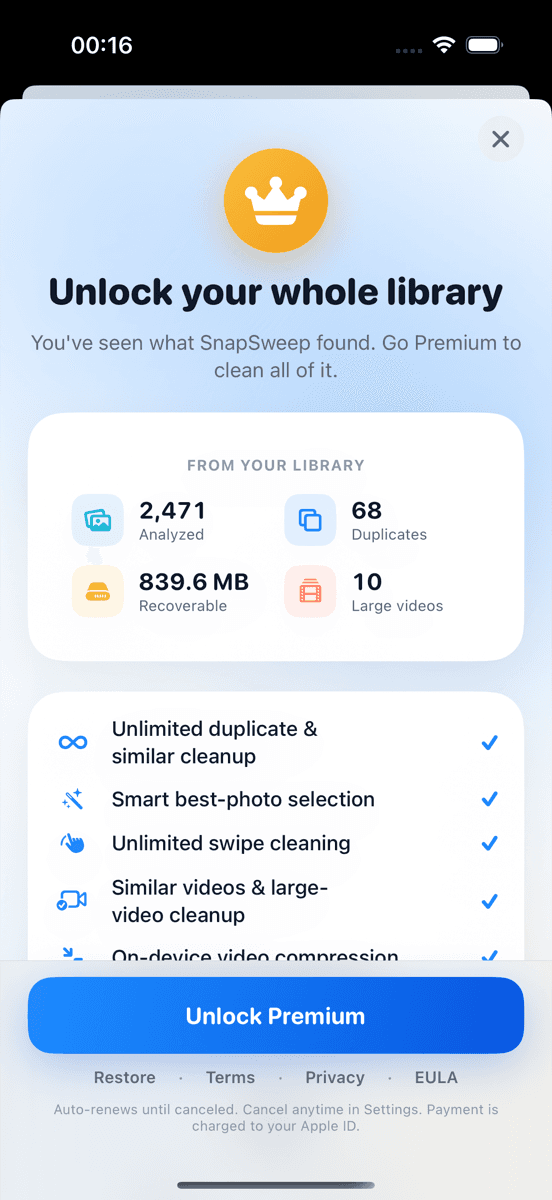
Photo by Roomier.
Google Photos storage manager vs cleaner app: both find storage-hogging photos, but through different methods. Google's tool uses cloud AI to identify blurry shots and large videos after uploading your library. Local cleaners scan on-device without uploading anything, offering privacy but potentially missing some AI-powered insights.
How Google Photos Storage Manager Works
Google Photos includes a storage management feature that analyzes your uploaded photos to suggest deletions. The tool identifies blurry photos, large videos, and screenshots using Google's cloud-based machine learning.
To access Google Photos storage management:
- Open Google Photos app
- Tap your profile picture > Photos settings
- Select "Manage storage"
- Review suggested items to delete
The system groups suggestions into categories like "Blurry photos," "Large videos," and "Screenshots." You can review each category and delete items individually or in bulk.
Google's AI generally performs well at detecting truly blurry photos and oversized videos. The cloud processing power allows for sophisticated analysis that local apps may struggle to match.
What Google Photos Storage Manager Finds Well
Google's storage manager excels at several tasks:
- Blurry photo detection: Cloud AI analyzes focus quality across your entire library
- Large video identification: Flags videos over specific size thresholds (typically 100MB+)
- Screenshot cleanup: Identifies and groups screenshots for bulk deletion
- Backed up item management: Shows which local photos are safely backed up to the cloud
The tool integrates directly with Google's backup system, so you can confidently delete local copies of photos already stored in the cloud.
How Local Photo Cleaner Apps Work
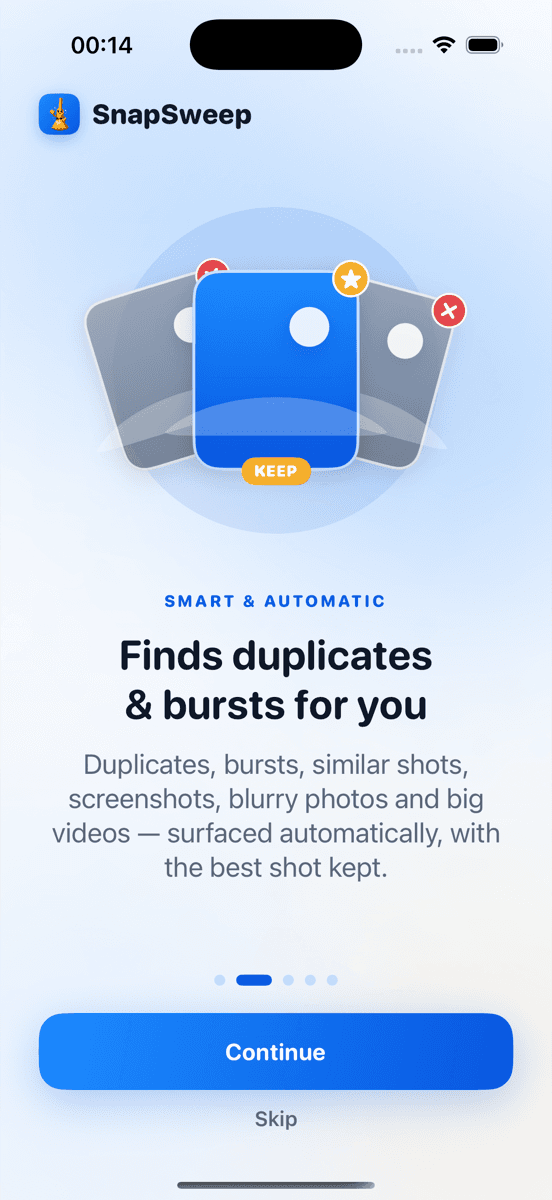
Local cleaner apps like Roomier, Gemini Photos, and Duplicate Photos Fixer scan your photo library entirely on-device. No photos leave your phone during the cleanup process.
These apps typically identify:
- Exact duplicate photos
- Similar photos from burst sequences
- Screenshots and screen recordings
- Large videos for compression or deletion
- Blurry photos (using on-device analysis)
Local cleaners often provide more granular control. Instead of bulk deletion, they show you each photo individually for keep-or-delete decisions.
Privacy Advantages of Local Cleaners
On-device photo cleanup offers several privacy benefits:
- No upload required: Photos never leave your device
- No account needed: Most local cleaners work without registration
- Offline functionality: Works without internet connection
- No cloud storage limits: Cleanup doesn't count against cloud quotas
For users concerned about photo privacy, local processing eliminates the risk of accidental exposure or data breaches involving personal images.
Performance Comparison: What Each Approach Finds Better
Google Photos Storage Manager Advantages
Google's cloud-based approach provides superior performance in specific areas:
Blurry photo detection accuracy: Google's AI training on millions of images typically outperforms on-device algorithms. The cloud processing can analyze subtle focus patterns that local apps might miss.
Video analysis: Google can process large video files more thoroughly, identifying content-based duplicates (same scene shot multiple times) rather than just identical files.
Cross-device sync: Manages storage across all devices connected to your Google account, not just the current phone.
Integration with Google ecosystem: Seamlessly works with Google Drive storage limits and family sharing plans.
Local Cleaner App Advantages
On-device cleaners excel in different areas:
Exact duplicate detection: Local apps often find pixel-perfect duplicates more reliably, especially from screenshots or saved images.
Burst photo management: Better at identifying and grouping rapid-fire photo sequences for selective deletion.
Immediate results: No upload time required — scan and clean in minutes rather than waiting for cloud processing.
Fine-grained control: Review each deletion individually rather than bulk operations.
Works with any cloud service: Clean local storage regardless of whether you use Google Photos, iCloud, Dropbox, or no cloud backup.
When to Choose Google Photos Storage Manager
Google's storage manager works best when:
- You already use Google Photos as your primary backup service
- Your photo library is fully uploaded to Google Photos
- You trust Google's privacy policies with your images
- You want automated suggestions without manual review
- You need to manage storage across multiple devices
The tool requires a Google account and active internet connection. Photos must be uploaded before the storage manager can analyze them.
When to Choose a Local Cleaner App
Local photo cleaners are better when:
- You prioritize photo privacy and prefer on-device processing
- You use iCloud, Samsung Cloud, or another non-Google backup service
- You want granular control over each deletion decision
- You need to clean storage immediately without waiting for uploads
- You have limited internet bandwidth or data caps
Local cleaners work with any photo library configuration and don't require specific cloud services.
Cost Considerations
Google Photos storage manager: Free for the first 15GB of Google account storage (shared with Gmail and Drive). Additional storage costs $1.99/month for 100GB, $2.99/month for 200GB, or $9.99/month for 2TB.
Local cleaner apps: Pricing varies significantly. Built-in options like iOS Photos > Albums > Duplicates are completely free. Third-party apps range from free with ads to premium subscriptions — check current pricing in each app as rates change frequently.
Some local cleaners offer one-time purchases or lifetime licenses, avoiding ongoing subscription costs.
Limitations of Both Approaches
Neither Google Photos storage manager nor local cleaner apps solve every storage problem:
What photo cleanup can't fix: Apps and system data often consume more space than photos. A 64GB iPhone might have 20GB of photos but 30GB of apps and system files. Photo cleanup won't help with app storage bloat.
Algorithm imperfection: No system perfectly identifies which burst photo to keep or whether a slightly blurry photo has sentimental value. Manual review remains important for meaningful photos.
Cloud vs. local storage confusion: Google Photos storage manager affects cloud storage quotas, while local cleaners target device storage. These are separate problems requiring different solutions.
Compression trade-offs: Video compression reduces file sizes but also reduces quality. The process is irreversible — compressed videos can't be restored to original quality.
Making the Choice: Privacy vs. Performance
The google photos storage manager vs cleaner app decision often comes down to privacy preferences versus AI performance.
Google Photos offers superior blurry photo detection and seamless cloud integration, but requires uploading your entire photo library to Google's servers. Local cleaners provide complete privacy and immediate results, but may miss some photos that cloud AI would catch.
For most users, the built-in options provide sufficient cleanup capability. iOS users can start with Photos > Albums > Utilities > Duplicates for exact matches. Android users can try Files by Google's Clean tab for basic storage management.
When built-in tools aren't enough, consider your priorities. If privacy matters most, choose a local cleaner like Roomier that processes everything on-device. If you already trust Google with your photos and want the most sophisticated analysis, Google Photos storage manager integrates seamlessly with your existing workflow.
Frequently asked questions
- Does Google Photos storage manager work without uploading photos?
- No, Google Photos storage manager requires your photos to be uploaded to Google Photos first. The AI analysis happens in the cloud, not on your device.
- Are local photo cleaner apps more private than Google Photos?
- Yes, local cleaners process photos entirely on your device. No photos leave your phone, eliminating privacy risks from cloud storage or data breaches.
- Which finds blurry photos better: Google Photos or local apps?
- Google Photos typically has superior blurry photo detection due to cloud AI training on millions of images. Local apps work well but may miss subtle focus issues.
- Can I use both Google Photos storage manager and a local cleaner?
- Yes, but they serve different purposes. Google Photos manages cloud storage while local cleaners target device storage. Use both if you need comprehensive cleanup.
- Do local photo cleaners work offline?
- Yes, most local cleaners work completely offline. They scan and clean your photo library without requiring internet connection or cloud services.
- Which approach is faster for freeing up phone storage?
- Local cleaners are faster for immediate results since they don't require uploading. Google Photos requires upload time before storage analysis can begin.