iOS Duplicates Album vs Cleaner Apps: When Built-In Tools Are Enough
iOS 16+ includes a Duplicates album that merges exact duplicate photos for free. Learn when this built-in tool is sufficient and when third-party apps find clutter Apple misses.
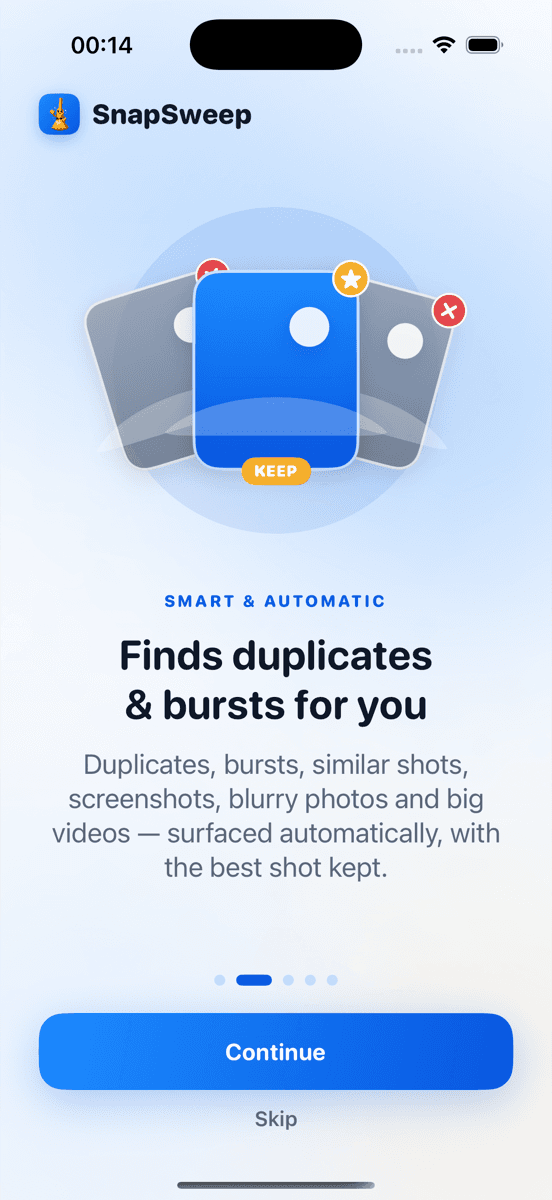
Photo by Roomier.
iOS 16 introduced a Duplicates album in the Photos app that automatically finds and merges exact duplicate photos. This built-in tool handles the most common duplicate scenario — identical files created when importing the same photo twice or syncing across devices.
What the iOS Duplicates Album Does Well
The Duplicates album appears in Photos > Albums > Utilities when iOS detects exact matches. Tap "Merge" to keep the highest-quality version and move duplicates to Recently Deleted. The process is:
- Open Photos app
- Tap Albums at the bottom
- Scroll to Utilities section
- Tap Duplicates
- Review grouped photos
- Tap "Merge" for each group or "Merge All"
Apple's algorithm compares file signatures to identify pixel-perfect matches. It preserves metadata, favorites, and edits when merging. The system protects against accidental deletion by requiring manual confirmation for each merge.
This works well for:
- Photos imported multiple times from the same source
- Duplicate downloads from Messages or email
- Identical photos synced across iCloud devices
- Screenshots saved twice
Where Built-In Detection Falls Short
The iOS Duplicates album only catches exact matches. It misses several common types of photo clutter:
Similar burst shots: When you take 10 photos of the same subject in rapid succession, iOS sees 10 unique files, not duplicates. The Duplicates album won't group burst sequences where each frame differs slightly.
Near-identical screenshots: Screenshots of the same app screen taken seconds apart often have minor differences — a notification badge, timestamp change, or slight scroll position. These bypass Apple's exact-match algorithm.
Compressed vs original versions: When you share a photo through Messages or social media and save it back, the compressed version differs from the original. Both consume storage but won't appear as duplicates.
Different formats of the same image: A HEIC original and its JPEG conversion, or a Live Photo and its still frame, register as separate files.
When Third-Party Apps Add Value
Photo cleaner apps excel at finding similar photos that share visual content but aren't pixel-perfect matches. They use image analysis to group:
- Burst sequences with minor variations
- Screenshots of the same interface
- Photos taken from slightly different angles
- Compressed versions alongside originals
- Blurry shots mixed with sharp ones
Apps like Roomier scan your entire library and categorize results by type — exact duplicates, similar shots, screenshots, blurry photos, and large videos. The key difference: you review each group before deletion rather than relying on algorithmic choices.
Other cleaners include Clever Cleaner (free with ads), Photos Cleaner (subscription-based), and Gemini Photos. Each uses different algorithms for similarity detection.
Storage Impact Comparison
A typical iPhone photo library contains:
- 5-15% exact duplicates (handled by iOS Duplicates album)
- 10-25% similar burst shots and near-duplicates (requires third-party detection)
- 15-30% screenshots, many overlapping in content
- 5-10% blurry or poorly composed shots
The iOS Duplicates album addresses roughly 20% of potential cleanup opportunities. Third-party apps can identify 40-60% of redundant content, though the final decision on what to delete remains yours.
Privacy and Safety Considerations
The iOS Duplicates album processes everything on-device. Your photos never leave the iPhone, and Apple doesn't access your library for duplicate detection.
Third-party apps vary in their privacy approach:
- On-device processors (like Roomier) analyze photos locally without uploading
- Cloud-based services upload your library for analysis on their servers
- Some apps require account creation and store metadata remotely
Always check an app's privacy policy before granting Photos access. Look for explicit statements about on-device processing and data retention.
Cost Analysis
The iOS Duplicates album is completely free with no limitations. You can merge unlimited duplicates without ads or subscriptions.
Third-party cleaner apps typically offer:
- Free tiers with limited deletions (often 5-20 items)
- Monthly subscriptions ($2-8/month)
- Annual plans ($15-50/year)
- Lifetime purchases ($20-80 one-time)
Weekly subscription models can compound to $150-300 annually, making them poor value for occasional cleanup tasks.
Making the Right Choice
Use the iOS Duplicates album first. It's free, safe, and handles exact duplicates effectively. Open Photos > Albums > Utilities > Duplicates and merge what Apple finds.
Consider a third-party app if:
- You take many burst photos and want to thin sequences
- Your library contains numerous similar screenshots
- You frequently save compressed versions of existing photos
- The iOS Duplicates album found minimal cleanup opportunities
Skip third-party apps if:
- The Duplicates album recovered sufficient storage
- Your library is already well-organized
- You prefer manual photo management
- Privacy concerns outweigh convenience benefits
Limitations to Remember
Photo cleanup addresses only one aspect of iPhone storage. Apps, system data, cached files, and offline content often consume more space than photo duplicates. Neither the iOS Duplicates album nor third-party cleaners can recover storage used by:
- App data and caches
- Downloaded music and podcasts
- Offline maps and documents
- System files and updates
- Messages attachments stored separately
Similarity algorithms aren't perfect. They may group photos you want to keep separate or miss obvious duplicates. Always review suggestions before confirming deletions.
Cloud storage cleanup differs from local cleanup. Deleting photos from your iPhone doesn't automatically remove them from iCloud Photos or Google Photos backup.
The iOS Duplicates album provides a solid foundation for duplicate cleanup. For most users, it recovers enough storage without additional apps. Third-party cleaners add value when you need broader similarity detection or have accumulated significant photo clutter beyond exact duplicates.
Frequently asked questions
- Does the iOS Duplicates album work on all iPhone models?
- The Duplicates album requires iOS 16 or later. It works on iPhone 8 and newer models that support iOS 16, including iPhone SE (2nd generation) and all Pro models.
- Will merging duplicates affect my iCloud storage?
- Yes, merging duplicates through the iOS Duplicates album removes files from iCloud Photos if enabled. The freed space becomes available in your iCloud storage quota within 30 days.
- Can I recover photos after using the Duplicates album merge feature?
- Merged duplicates move to Recently Deleted where they remain for 30 days. You can restore them from Recently Deleted > Select > Recover during this period.
- Why doesn't the Duplicates album find similar burst photos?
- Apple's algorithm only detects pixel-perfect matches with identical file signatures. Burst photos have different timestamps and slight variations, so they register as unique files rather than duplicates.
- Are third-party photo cleaner apps safe to use?
- Apps that process photos on-device without uploading are generally safe. Check privacy policies for data handling practices and avoid apps requiring unnecessary account creation or server uploads.
- How much storage can I expect to recover from duplicate cleanup?
- Most users recover 2-8% of total storage from exact duplicates alone. Including similar photos and screenshots, cleanup can free 5-15% of photo library space, varying by usage patterns.