How to Delete Duplicate Photos on iPhone for Free (iOS Built-In + Apps)
Delete duplicate photos on iPhone using the free iOS Duplicates album or third-party apps. Step-by-step guide covers built-in tools, safety features, and when apps help find more.
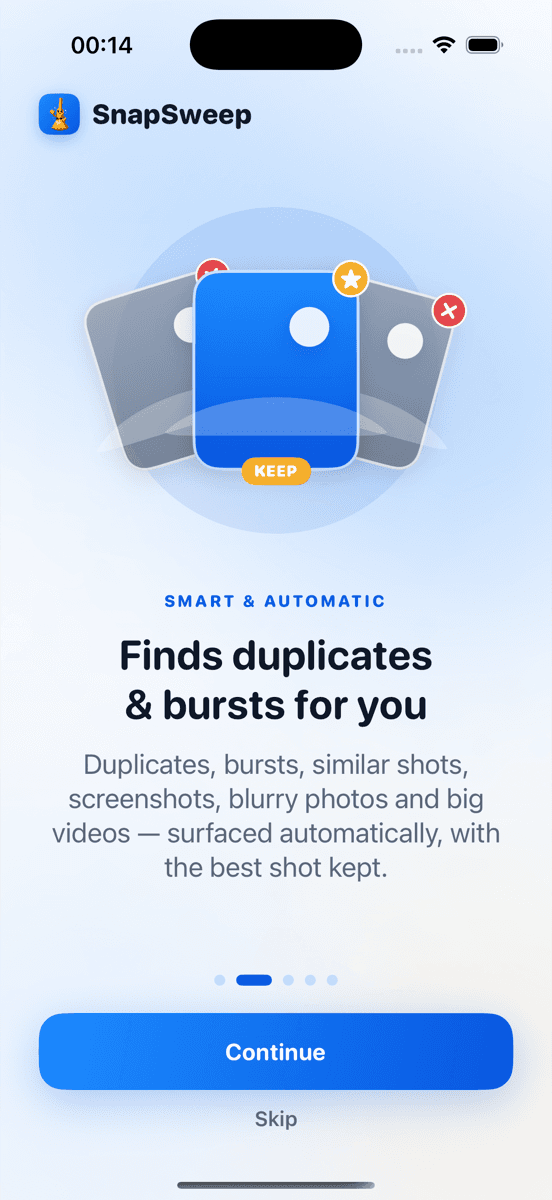
Photo by Roomier.
iPhone's built-in Photos app can delete exact duplicate photos for free using the Duplicates album in iOS 16 and later. For similar shots, burst sequences, and near-duplicates, third-party apps find more clutter but review each match before deletion.
How to Use iPhone's Free Duplicate Detection
iOS 16 introduced a Duplicates album that automatically groups identical photos. This works for exact matches — same file, accidentally imported twice.
To access the Duplicates album:
- Open Photos app
- Tap Albums at the bottom
- Scroll to Utilities section
- Tap Duplicates
If you see photos grouped together, tap a group to review the matches. Tap "Merge" to keep the highest quality version and delete the rest. The merged photo moves to your main library while duplicates go to Recently Deleted.
What the built-in tool catches:
- Identical files imported multiple times
- Same photo saved from Messages and Camera Roll
- Screenshots taken twice of the same content
- Photos synced from multiple sources
What it misses:
- Similar shots from burst mode
- Nearly identical photos with slight differences
- Screenshots of the same app at different times
- Photos with minor edits or crops
For many users, the built-in Duplicates album handles enough cleanup. If your storage is still tight after using it, third-party apps scan deeper.
When Third-Party Apps Find More Duplicates
Apps like Roomier, Gemini Photos, or Duplicate Photos Fixer use visual similarity algorithms to catch near-matches the iOS tool skips. They group burst sequences, similar selfies, and screenshots of the same content taken minutes apart.
Common duplicate categories apps detect:
- Burst photo sequences (keeping the sharpest frame)
- Live Photos with similar still versions
- Screenshots of the same webpage or app
- Photos of documents taken multiple times
- Similar shots from portrait mode sessions
The trade-off is review time. These apps show each potential match for your approval rather than auto-merging like iOS does with exact duplicates.
Step-by-Step: Using Roomier for Advanced Duplicates
Roomier scans your photo library on-device and groups similar photos for manual review. Everything stays on your phone — no uploads to cloud servers.
To scan for duplicates:
- Download Roomier from the App Store
- Grant photo library access when prompted
- Tap "Start Scan" to analyze your photos
- Review results in the Duplicates category
- Swipe right to keep photos, left to queue for deletion
- Tap "Delete Selected" to remove queued photos
The app protects favorites and edited photos automatically. Deleted photos move to Recently Deleted for 30-day recovery.
Free tier limits: 8 free deletions, 20 free swipes. Watch rewarded ads for 5 additional swipes (maximum 3 ads per day). Premium removes limits — see current pricing in the app.
Safety Features That Prevent Accidents
Both iOS and reputable third-party apps include safeguards against accidental deletion:
iOS protections:
- Favorites are never suggested for deletion
- Recently Deleted folder keeps photos for 30 days
- Merge function preserves highest quality version
- Manual confirmation required for each action
Third-party app protections:
- Favorites and edited photos excluded from suggestions
- Manual review required before any deletion
- Recently Deleted recovery still works
- No auto-deletion without user confirmation
Avoid apps that auto-delete without review or promise "one-tap cleanup" — these bypass safety checks and risk removing wanted photos.
Alternative Free Options
Files by Google (available on iPhone): Basic duplicate detection in the Clean tab. Limited to exact matches like iOS but works across file types.
Gemini Photos: Advanced similarity detection with free tier allowing limited deletions. Premium required for unlimited cleanup.
Duplicate Photos Fixer: Free app with ads. Finds similar photos but interface shows multiple ads between actions.
For exact duplicates only, stick with iOS built-in tools. For comprehensive cleanup including similar shots and burst sequences, dedicated apps provide more thorough results.
How Much Storage You'll Actually Recover
Duplicate photo cleanup typically recovers 2-8% of total photo library storage. A 64GB photo collection might free up 1-5GB depending on shooting habits.
Biggest space savers:
- Burst mode sequences (keeping 1 of 10+ shots)
- Live Photos duplicates (3MB each vs 2MB for still photos)
- Screenshot collections from social media
- Multiple downloads of the same memes or images
Video duplicates save more space — a duplicate 4K video can be 400MB+ while duplicate photos average 3-5MB each.
Don't expect dramatic storage gains from duplicate cleanup alone. Apps, system data, and large videos usually consume more space than duplicate photos.
Limitations to Keep in Mind
Photo duplicate cleanup has inherent constraints no app can overcome:
Algorithm limitations: No software perfectly identifies which burst photo has the best expression or sharpest focus. Manual review catches mistakes automated selection misses.
Storage scope: Duplicate cleanup only addresses photo library redundancy. Apps, cached data, system files, and other media consume storage independently.
Cloud vs local: Deleting photos from your iPhone doesn't automatically free up iCloud storage if iCloud Photos is enabled. Deleted photos sync across devices and count against iCloud quota until permanently removed.
Quality trade-offs: Some apps compress photos during cleanup to save additional space. This reduces file sizes but degrades image quality permanently.
Subscription costs: Many duplicate cleaners use weekly billing that compounds to $200+ annually. Calculate yearly costs before subscribing to any app.
Third-party apps excel at finding similar photos and burst sequences iOS tools miss, but they require more time investment for manual review. For users with large photo libraries and storage constraints, the extra cleanup depth justifies the effort.
Ready to reclaim iPhone storage from duplicate photos? The built-in iOS Duplicates album handles exact matches for free, while apps like Roomier catch the similar shots and burst sequences that consume space silently.
Frequently asked questions
- Does iPhone have a built-in duplicate photo remover?
- Yes, iOS 16+ includes a Duplicates album in Photos > Albums > Utilities that automatically groups identical photos. Tap 'Merge' to keep the highest quality version and delete exact duplicates for free.
- What duplicates does iPhone's built-in tool miss?
- iOS only catches identical files. It misses similar burst shots, near-duplicate selfies, screenshots of the same content taken at different times, and photos with minor edits or crops.
- Are third-party duplicate photo apps safe to use?
- Reputable apps like Roomier scan photos on-device without uploading to servers. They protect favorites and edited photos automatically, require manual review before deletion, and work with iOS's 30-day recovery system.
- How much iPhone storage will deleting duplicates free up?
- Duplicate cleanup typically recovers 2-8% of photo library storage. A 64GB collection might free up 1-5GB, with burst sequences and Live Photo duplicates providing the biggest space savings.
- Do deleted duplicate photos go to Recently Deleted folder?
- Yes, both iOS built-in tools and third-party apps send deleted photos to Recently Deleted, where they remain recoverable for 30 days before permanent deletion.
- Can I delete iPhone duplicates without paying for an app?
- Yes, use the free iOS Duplicates album for exact matches. Third-party apps like Roomier offer free tiers with limited deletions for similar photos and burst sequences the built-in tool misses.