iOS Duplicates Album vs Photo Cleaner Apps: Which Finds More?
iOS's built-in Duplicates album finds exact matches but misses similar burst shots, near-duplicates, and blurry photos. Third-party apps scan deeper but vary in safety and privacy.
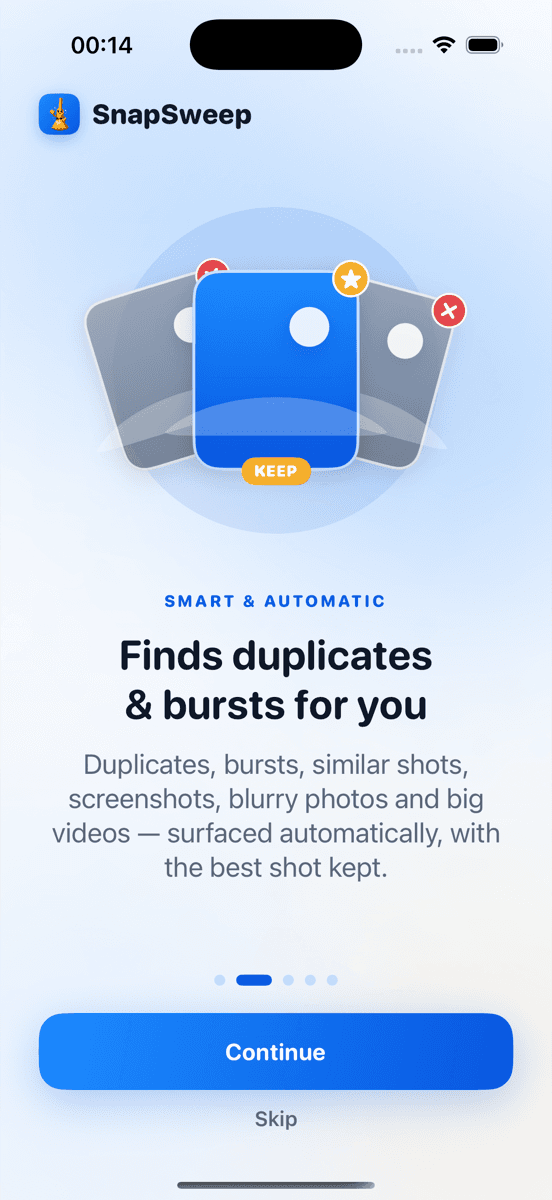
Photo by Roomier.
iOS's built-in Duplicates album finds exact photo matches and lets you merge them with one tap. Third-party photo cleaner apps scan deeper, catching similar burst shots, near-duplicates, and blurry photos the system misses. Both have clear use cases.
How iOS Duplicates Album Works
The iOS Photos app includes a Duplicates album that automatically detects identical photos in your library. Apple's algorithm compares file metadata, creation timestamps, and image data to identify exact matches.
To access it: Photos app > Albums > scroll to Utilities > Duplicates. Tap any group, review the suggested merge, then tap "Merge" to keep the highest quality version and delete the rest.
This system works well for true duplicates — photos that are byte-for-byte identical or nearly so. Common scenarios include:
- Photos imported multiple times from different sources
- Screenshots saved twice through different methods
- Images copied between apps that create exact duplicates
- Photos backed up and re-downloaded from cloud services
The merge process is safe. iOS keeps the highest resolution version, preserves all metadata including location and date, and moves deleted copies to Recently Deleted where they remain for 30 days.
What iOS Duplicates Album Misses
Apple's algorithm is conservative by design. It only flags photos with extremely high similarity scores, which means several categories of redundant photos slip through:
Similar burst shots: When you take 10 rapid-fire photos of the same subject, iOS might identify 2-3 as duplicates but leave 7 similar shots untouched. Each has slightly different timing or framing, so they're technically unique.
Near-duplicates with minor differences: Photos taken seconds apart of the same scene often have tiny variations in lighting, focus, or composition that prevent iOS from grouping them.
Screenshots with different timestamps: Multiple screenshots of the same app or webpage taken at different times aren't flagged as duplicates, even when the content is identical.
Edited versions: If you edit a photo and save it as a new file, iOS doesn't connect it to the original, leaving you with both versions.
Different file formats: The same image saved as both HEIC and JPEG typically isn't detected as a duplicate.
A typical iPhone user might have 50-200 true duplicates that iOS finds, but 300-800 similar or near-duplicate photos that require manual review.
When Third-Party Photo Cleaners Add Value
Photo cleaner apps use different algorithms that cast a wider net. They analyze visual similarity, not just file data, which helps them identify:
- Burst sequences with 5+ similar shots
- Photos of the same subject taken within minutes
- Blurry or poorly focused versions alongside sharp ones
- Screenshots of identical content saved at different times
- Multiple attempts at the same shot with slight variations
Apps like Roomier, Gemini Photos, and Clever Cleaner scan your entire library and group similar photos for review. You see each group and decide which photos to keep or delete.
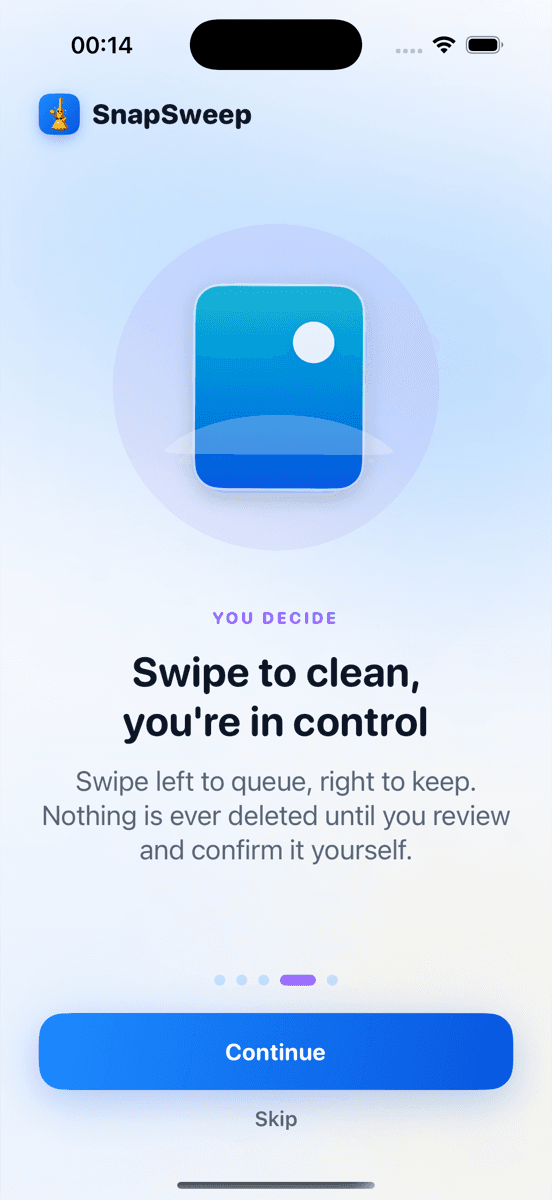
The key difference: these apps require manual review before anything is deleted. You swipe through each group, choosing your favorites. Nothing disappears automatically.
Safety and Privacy Considerations
Built-in iOS approach: Your photos never leave your device. Apple's on-device processing means zero privacy risk. The merge function is reversible for 30 days through Recently Deleted.
Third-party apps vary significantly:
- On-device processing: Apps like Roomier and Gemini Photos analyze photos locally. Your library never uploads to external servers.
- Cloud-based processing: Some cleaners upload photos for analysis, creating privacy risks.
- Auto-deletion: A few apps delete photos without review, which can cause permanent loss.
- Subscription traps: Weekly billing models can cost $250+ annually for basic cleanup features.
Always check an app's privacy policy. Look for phrases like "on-device processing" and "photos never leave your phone."
Storage Impact Comparison
iOS Duplicates album: Typically recovers 200MB-2GB depending on how many true duplicates exist. Most users see modest gains.
Third-party cleaners: Can recover 2-10GB by finding similar photos, burst sequences, blurry shots, and large videos. The broader detection scope yields more storage savings.
Video compression: iOS doesn't compress existing videos. Third-party apps can re-encode large 4K videos, potentially saving 50-80% of their original size. A 1GB video might compress to 200-400MB.
Neither approach affects app data, system files, or other storage categories. Photo cleanup specifically targets your camera roll and saved images.
Cost Analysis
iOS Duplicates album: Completely free. No subscriptions, no ads, no upgrade prompts.
Third-party cleaners:
- Free tiers: Usually limited to 5-20 deletions, then require payment
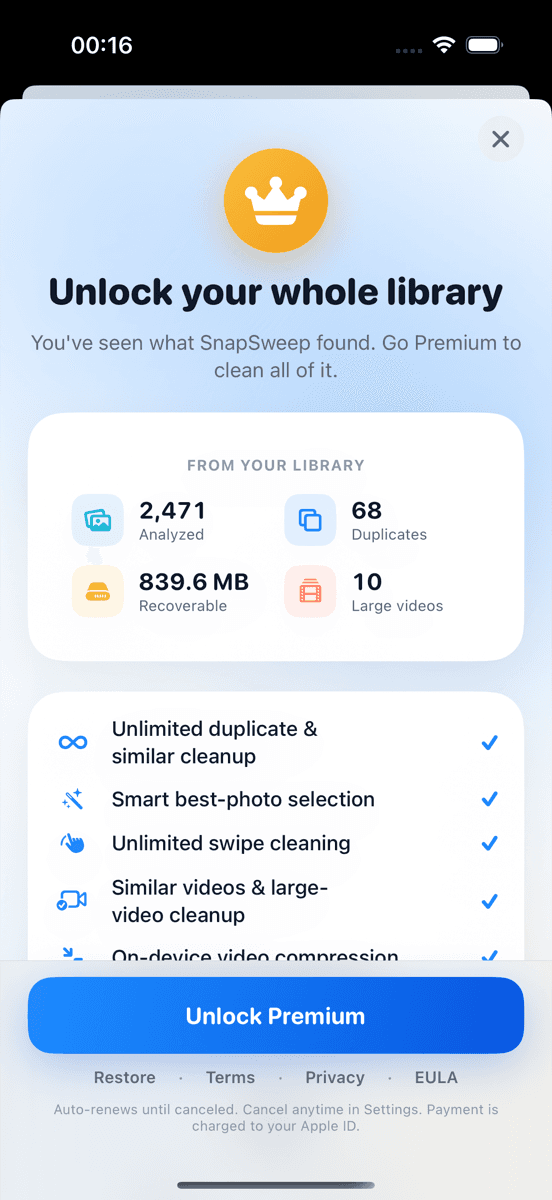
- Premium subscriptions: Range from $2.99/month to $9.99/month
- One-time purchases: $19.99-$49.99 for lifetime access
- Ad-supported: Free with rewarded video ads for additional deletions
Calculate annual costs before subscribing. A $4.99/month cleaner costs $59.88/year — often more than a one-time purchase.
Which Approach Should You Choose?
Start with iOS Duplicates album if:
- You primarily need exact duplicate removal
- Privacy is your top priority
- You prefer Apple's native tools
- Your storage issues are minor (under 2GB needed)
Consider a third-party cleaner if:
- You take many burst photos or similar shots
- You need to compress large videos
- You want to recover 5GB+ of storage
- You're comfortable with manual photo review
Use both approaches: Run iOS Duplicates first to handle exact matches, then use a third-party app for similar photos and videos. This combination maximizes storage recovery while minimizing subscription costs.
Limitations of Photo Cleanup
Photo cleanup has inherent boundaries regardless of which tool you choose:
App data and system files: Cleaning photos won't free space used by apps, iOS system data, or cached files. Check Settings > General > iPhone Storage for app-specific cleanup.
iCloud vs local storage: These tools clean your device's local storage. iCloud Photos storage is managed separately through iCloud settings.
Compression trade-offs: Video compression reduces file size but also reduces quality. The process is irreversible once applied.
Algorithm imperfection: No system perfectly identifies which burst photo is best or which similar shot you prefer. Manual review remains essential.
Cloud sync delays: Changes made by cleaner apps may take time to sync across devices if you use iCloud Photos or Google Photos.
The iOS Duplicates album provides a solid foundation for exact duplicate removal. Third-party cleaners add value by finding similar photos and compressing videos, but choose carefully based on privacy policies and pricing models. For most users, combining both approaches yields the best results.
Frequently asked questions
- Does iOS automatically delete duplicate photos?
- No, iOS identifies duplicates in the Photos app but requires manual confirmation to merge them. Nothing is deleted automatically — you must tap 'Merge' for each group.
- Why doesn't iOS find all my similar photos?
- iOS only flags exact or near-exact duplicates. Similar burst shots, photos taken seconds apart, or images with minor differences aren't detected by Apple's conservative algorithm.
- Are third-party photo cleaners safe to use?
- Apps that process photos on-device and require manual review before deletion are generally safe. Avoid apps that auto-delete photos or upload your library to external servers.
- Can I recover photos deleted by cleaner apps?
- Yes, deleted photos go to iOS's Recently Deleted album where they remain for 30 days. This applies to both built-in merging and third-party app deletions.
- How much storage can photo cleanup actually recover?
- iOS Duplicates typically recovers 200MB-2GB. Third-party apps that find similar photos and compress videos can recover 2-10GB, depending on your photo habits.
- Do I need to pay for a photo cleaner subscription?
- Not necessarily. iOS Duplicates is free for exact matches. Some third-party apps offer one-time purchases or ad-supported free tiers instead of monthly subscriptions.